
Managing cloud resources efficiently becomes increasingly important as your infrastructure grows. To help you stay organized and streamline resource management, VPSie Client Portal introduces a feature called Tags.
Tags allow you to assign custom labels to your cloud assets such as virtual machines, snapshots, volumes, and more, making it easier to categorize, search, and filter resources based on your operational or business needs. Whether you’re managing environments (like development, staging, or production), tracking usage by project or team, or implementing cost control strategies, Tags provide the flexibility you need for clear and efficient organization.
While creating resources in the VPSie Client Portal, you can add Tags as reminders to indicate the purpose of each resource.
On the Tags page, you’ll find a complete list of all created tags, where you can easily view them.
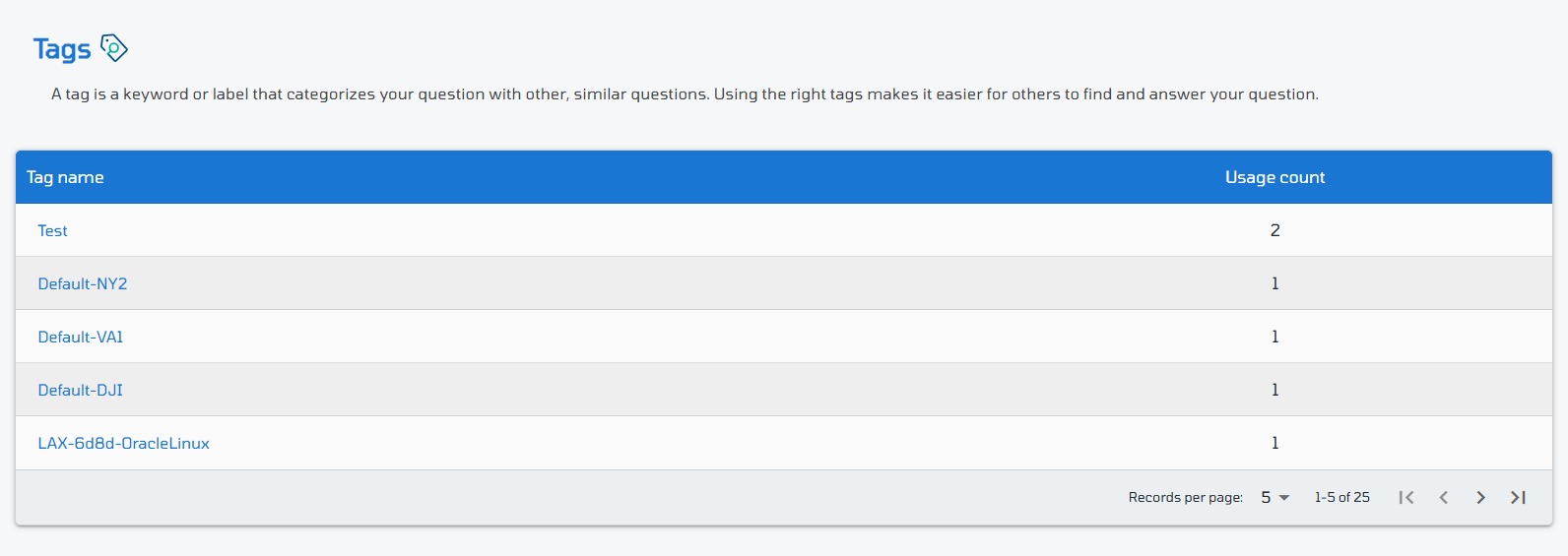
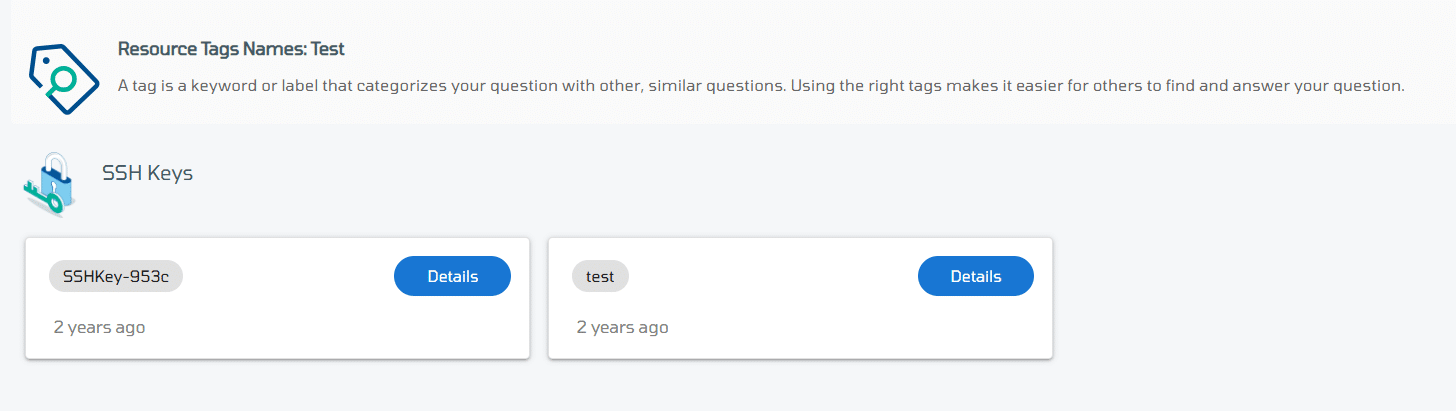
You can also click on a tag name on the tag list to see all the resources associated with it and view their details for better tracking and management.
To see more information about a specific resource, simply click the Details button next to it.