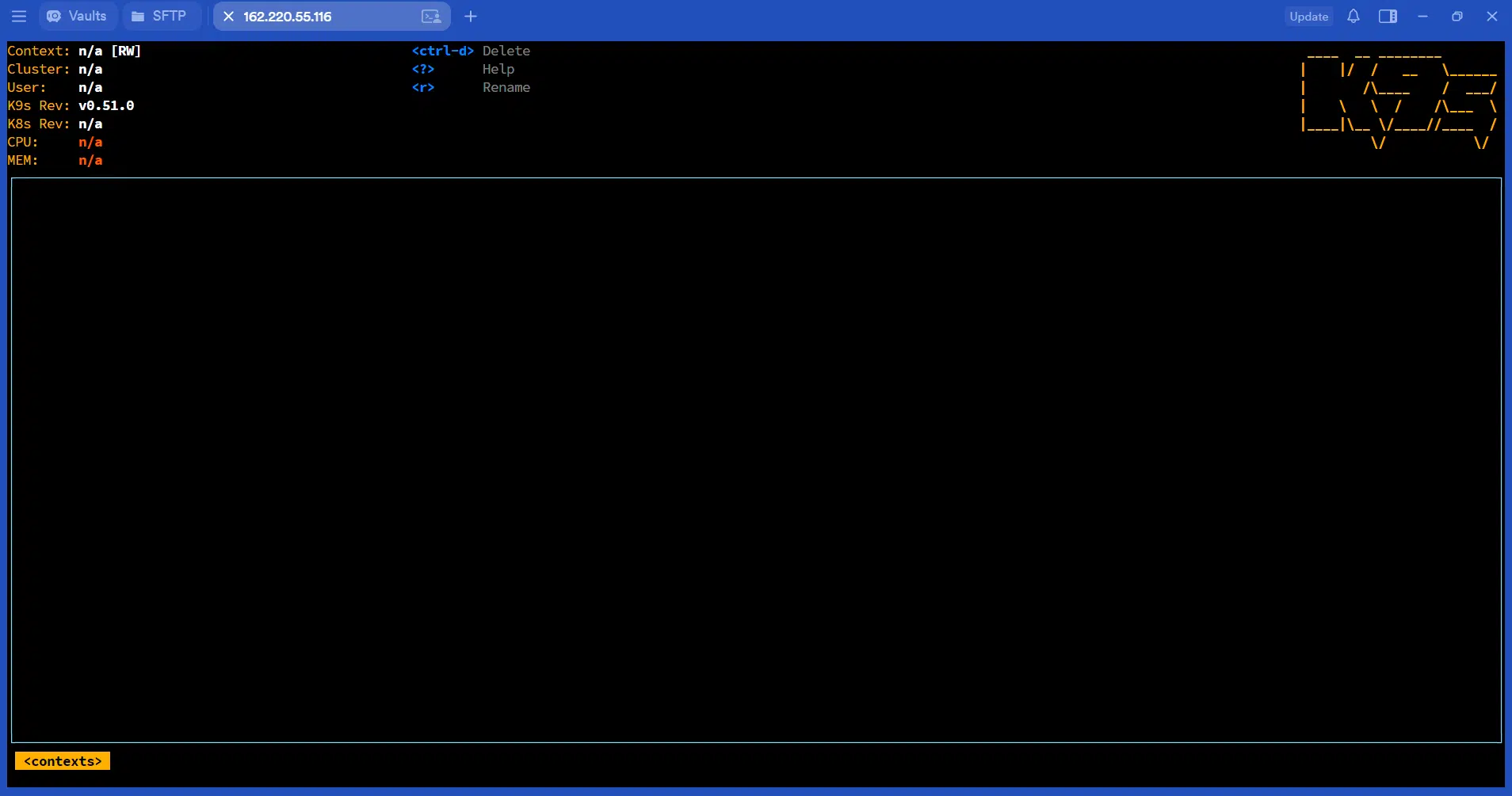

K9s is a terminal-based user interface (TUI) designed to make managing Kubernetes clusters faster and easier. Instead of running multiple `kubectl` commands to inspect pods, deployments, services, nodes, and other Kubernetes resources, K9s provides an interactive interface directly in the terminal.
With K9s, IT administrators and DevOps engineers can quickly navigate Kubernetes resources, view real time status information, inspect logs, execute commands inside containers, restart or delete resources, and troubleshoot workloads without constantly typing individual commands.
K9s works alongside `kubectl` and uses your existing Kubernetes configuration and credentials. It does not replace Kubernetes or `kubectl`, rather, it provides a convenient interactive layer on top of them.
This makes K9s particularly useful for administrators who regularly work with Kubernetes clusters and need a fast way to monitor and troubleshoot workloads from an SSH session or terminal.
In this guide, we will cover how to install K9s on Debian/Ubuntu system, configure it to access a Kubernetes cluster, and perform common Kubernetes administration and troubleshooting tasks.
Get Your VPSie Instance Ready
- Create an Account: Register at the VPSie Client Portal.
- Fund Your Account: Go to Billing in the portal to add funds or set up payment methods.
- Deploy a Server: Create a Linux VM running Ubuntu 24.04 / 26.04 LTS or Debian 12 / 13 with at least 2 vCPUs and 2 GB RAM.
Installing K9s
Update the package list and upgrade installed packages with:
sudo apt update && sudo apt upgrade -y
Run this command to download and install the latest version:
wget https://github.com/derailed/k9s/releases/latest/download/k9s_linux_amd64.deb && sudo apt install ./k9s_linux_amd64.deb && rm k9s_linux_amd64.deb
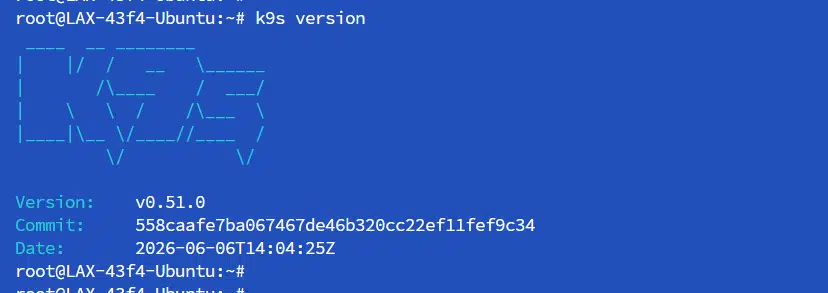
Verify it installed correctly:
k9s version
Set your terminal to support K9s’ colors (prevents display glitches):
echo 'export TERM=xterm-256color' >> ~/.bashrc && source ~/.bashrc
Connecting K9s to Your Cluster
K9s uses the same kubeconfig as kubectl. If kubectl get nodes already works on your machine, K9s will work too just run k9s.
If you don’t have a kubeconfig set up yet, place it here:
mkdir -p ~/.kube
cp /path/to/your/kubeconfig ~/.kube/config
Then launch K9s:
k9s